Adjust colour
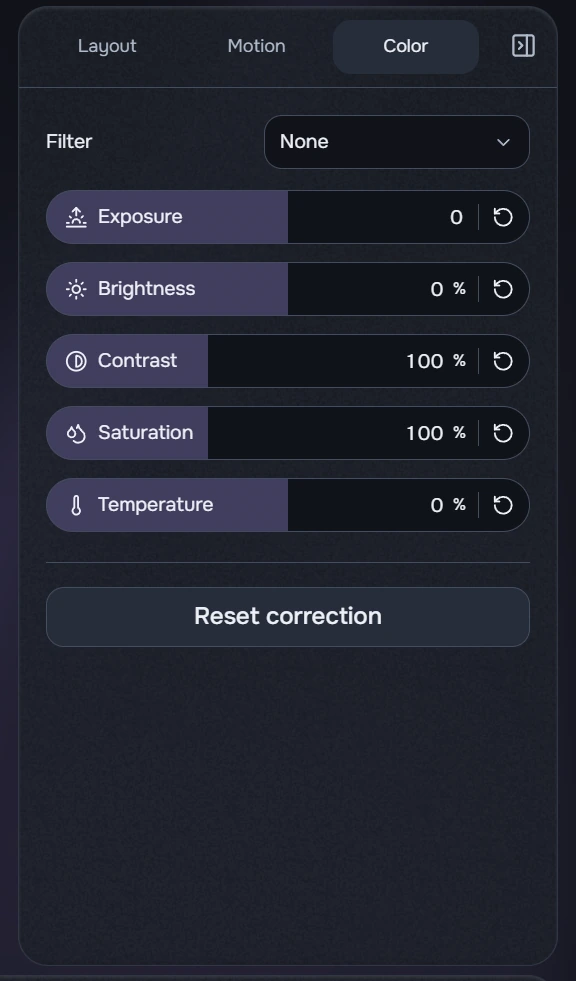
- Select a clip and open Color. Start with a filter or a small exposure and brightness adjustment.
- Adjust contrast, saturation and temperature while watching the preview. Moving temperature towards cool makes the image cooler; towards warm makes it warmer.
- To start again, click Reset correction. This resets the selected layer’s colour settings.
A grey control may be irrelevant to the current filter, such as saturation for a monochrome image. Selected dropdown values stay on one line; long names end in an ellipsis. This does not clear the selection.
Colour parameters use the same numeric capsules. The rounded display retains internal precision; focus the number for exact entry. Disabled parameters cannot be edited by mouse or keyboard.