If something is not working
Layers, images or transitions
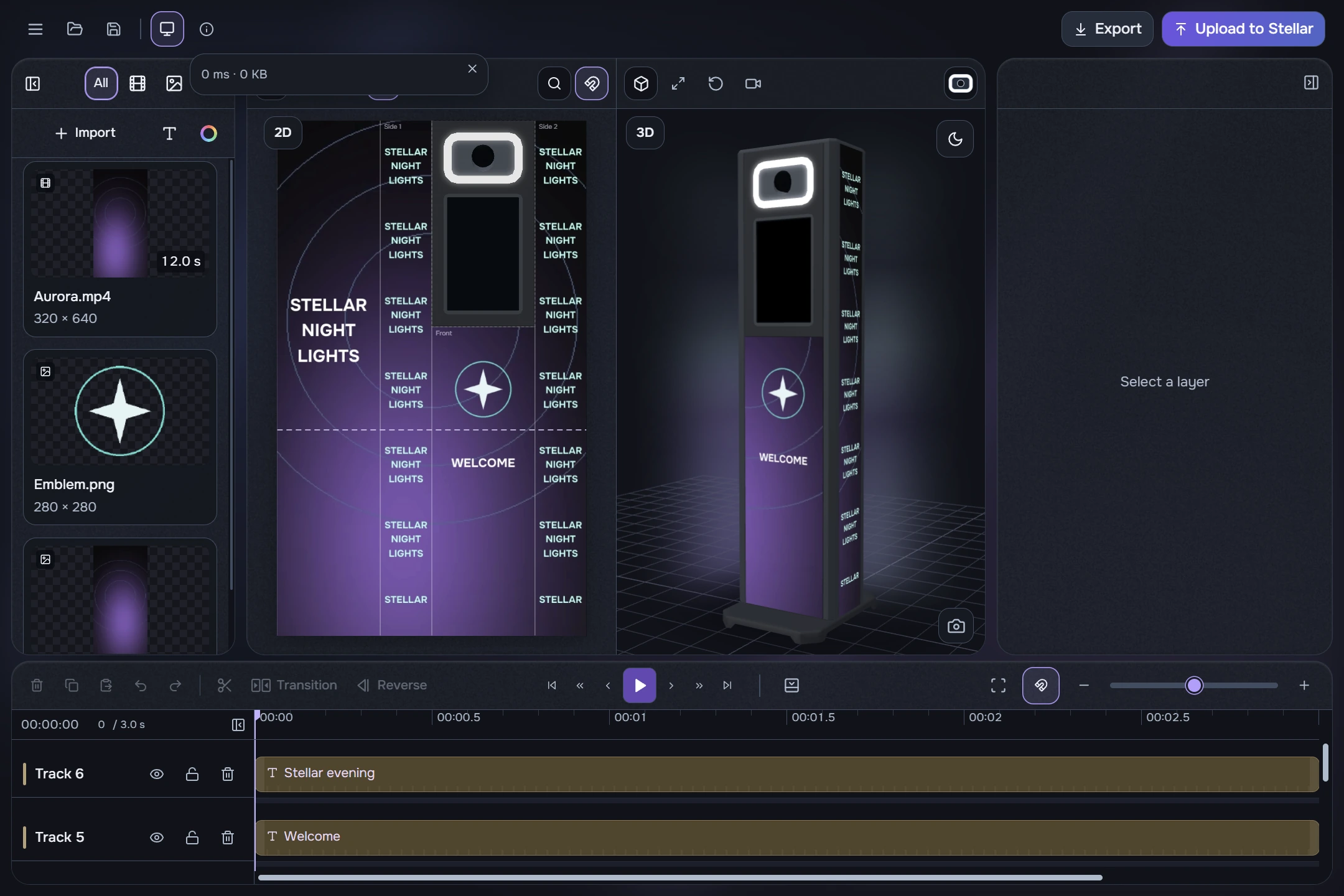
- “Select a layer” on the right: click a timeline clip. Selecting a media-library card is a different context.
- A clip will not move: check the track lock. Transitions need suitable neighbours on one track; the dialog explains why a selection is unavailable.
- An image is cropped: Fill covers the area by cropping. Choose Fit to show the whole frame.
- A panel disappeared: use its reveal button at the preview edge. Restore the timeline with Film on the mini player.
- Lighting turned black: black means no emission, not recolouring the white glass.
- An image is stretched: enable the ratio chain and choose Fit or Fill. Center does not restore scale. Text has its own ratio preference.
- A file landed on a new track: this is the previewed fallback for library media over occupied or locked rows. To append to an existing row, point to the right of its last clip.
Preview, export and upload
- Preview is slow: lower preview quality in Settings. Seeking accurately to a distant frame may take time; this differs from starting Play from a frame already displayed.
- Preview freezes during export: rendering may suspend preview. Wait or cancel export. Preview quality does not change the finished file.
- Upload is disabled or failed: check the name, queue, preparation, network and device status. Read the error; no separate manual unlock is needed. An uncertain result is not confirmed success.
Diagnostics and checks before a show
- Save the project and note what you were doing before the error: import, Play, seeking, export or upload.
- If possible, reproduce the problem and keep the error text. For a video issue, name the file and the point at which the error occurs.
- Open Settings → Open log folder and send Logs privately to the developer with your description. On Windows, logs are beside the application and rotation limits their size.
- The header’s Info button shows current status and recent operations; its icon may spin while work is running. Keep an unknown error’s text with the log.
The folder button opens existing logs; it does not change the logging mode.
For updates, use Check for updates in the menu or the official Downloads page for your platform. On Windows, the command may delegate to a supported Dzen Tech HUB; automatic installation is not guaranteed when it is absent or unsupported.
Before an event
Open the saved project, check its source media and play the finished MP4. On the booth itself, check surfaces, joins, text readability, program order, loop and screen power. Keep copies of the project, source media and export separately from temporary files.