Free up space with the mini player
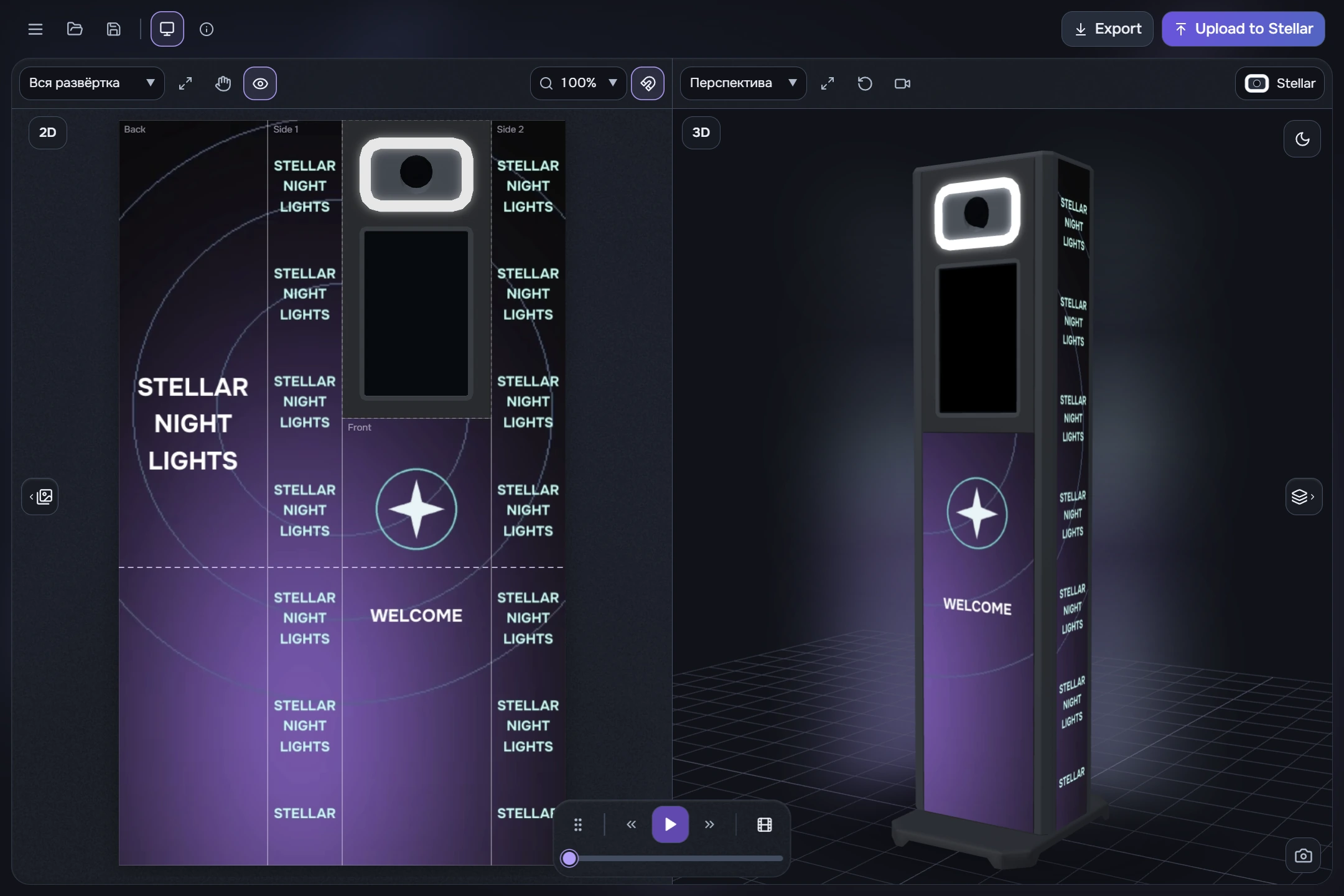
- Click the hide-timeline button to the right of playback controls in the timeline header. A small floating bar replaces the timeline.
- Use previous clip, Play/Pause and next clip. The lower scrubber moves the playhead across the whole video; dragging it pauses playback.
- Move the bar by its grip or empty background. Buttons and the scrubber control playback rather than dragging the bar. It stays within the window.
- Click the Film icon to restore the timeline with its previous zoom and scroll position.
The bar position is remembered for the current session and may differ after a full restart. This player controls your edit, rather than programs stored on the physical controller.