Windows keyboard shortcuts
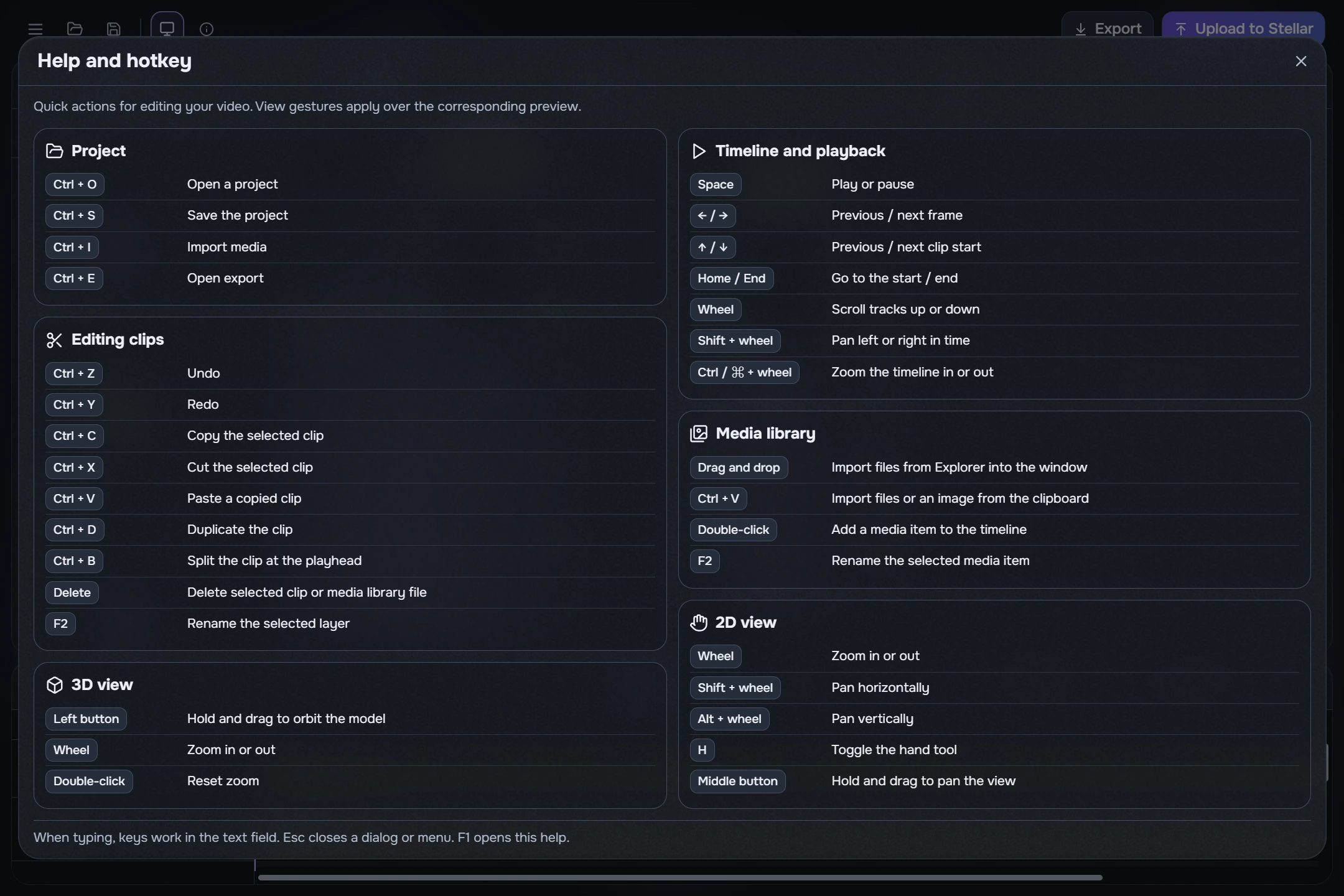
Press F1 or open Help and hotkey from the menu. View gestures apply over their corresponding area. While typing, keys edit the field rather than triggering edit commands. Esc closes a menu or dialog.
Project and clips
- Ctrl+O / Ctrl+S: open / save a project.
- Ctrl+I / Ctrl+E: import media / open export.
- Ctrl+Z / Ctrl+Y: undo / redo.
- Ctrl+C / Ctrl+X / Ctrl+V: copy / cut / paste the selected clip; in the library, Ctrl+V can also import clipboard files or an image.
- Ctrl+D: duplicate the selected clip. Ctrl+B: split at the playhead.
- Delete: remove the selected clip or library item. F2: rename the selected layer or library item.
Time and previews
- Space: Play/Pause. Left/right: previous/next frame.
- Up/down: previous/next clip start. Home/End: start/end of video.
- Timeline: wheel scrolls tracks, Shift+wheel pans horizontally, Ctrl+wheel zooms.
- 2D: wheel zooms, Shift+wheel pans horizontally, Alt+wheel vertically. H toggles the hand tool; the middle button temporarily pans.
- 3D: left-drag orbits, wheel zooms, double-click resets zoom.
Help and numeric entry
- Numeric strip: arrows change one step; PageUp/PageDown ten steps; Home/End go to range bounds.
- Number field: Up/Down change one step; Enter finishes entry. Focus reveals the fractional value; a decimal point or comma is accepted.
- 2D magnet: pointer rotation catches multiples of 45°; numeric angle entry is not limited to this step.
- The wheel does not edit a numeric capsule. Wheel gestures for 2D, 3D and the timeline apply over their respective areas.