Control programs on the controller
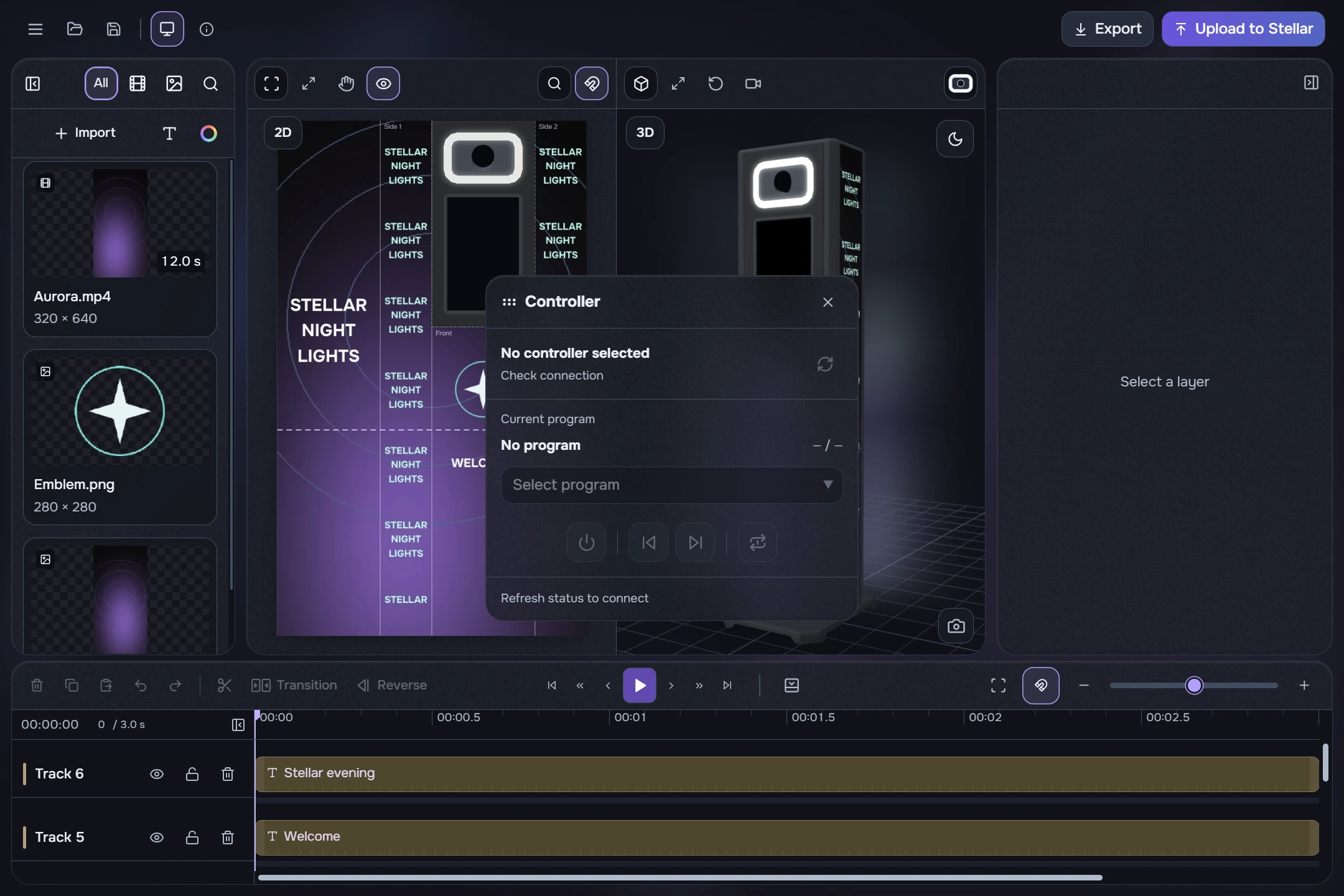
- Open menu → Controller playback, or use the playback controls inside upload. Read the intended booth’s status first.
- When the catalogue is available, choose the Controller program from the dropdown. This selector is also available in the upload window.
- Previous/next switch device programs, rather than edit clips. Loop repeats the current program, including all its files; turn it off to play all programs in sequence.
- Power enables or disables screen output. It does not delete programs or power off your computer. If a control is unavailable, check the connection, stored programs and screen state.
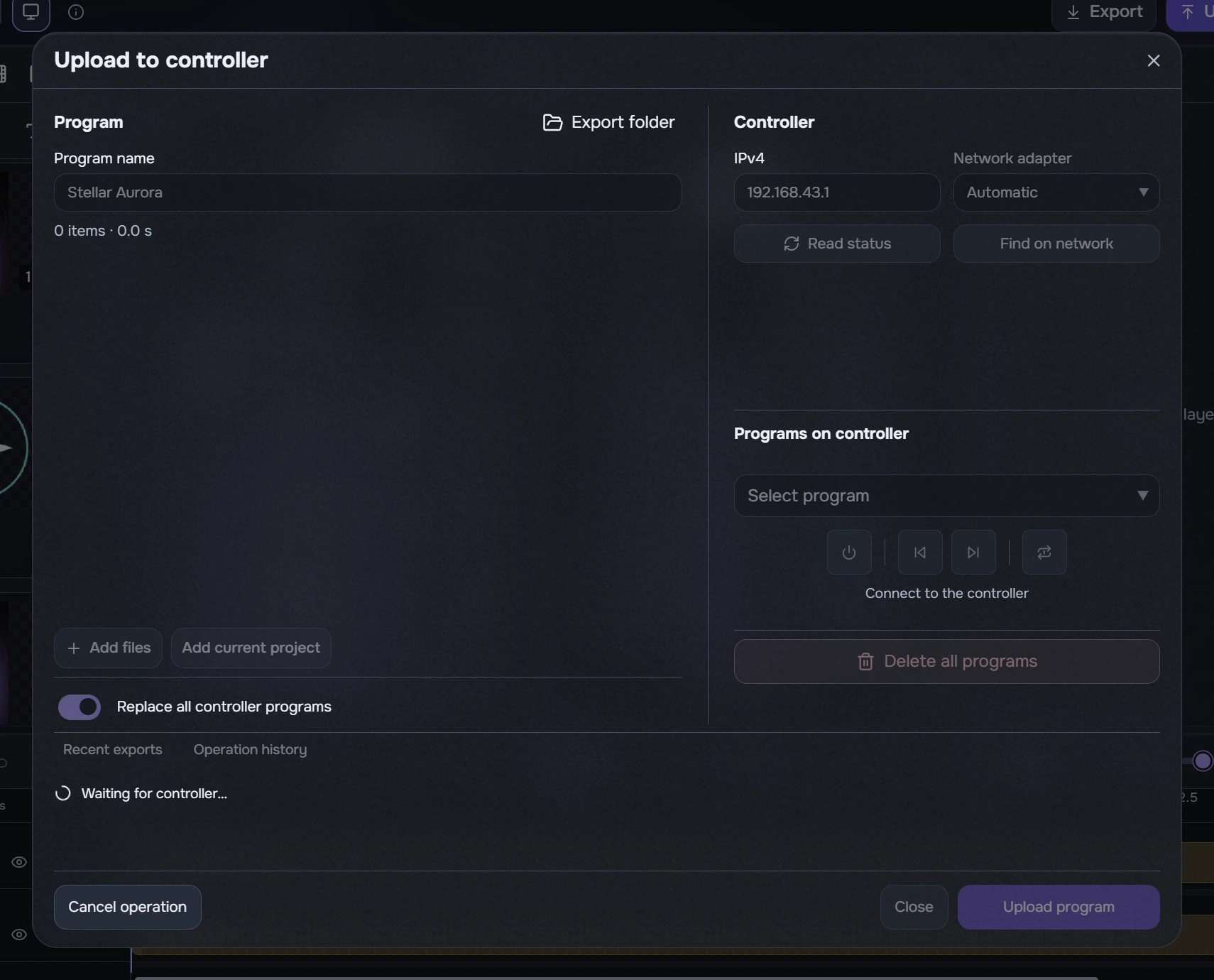
Delete all programs clears the device catalogue after confirmation. Check the intended booth and keep source files: the application cannot recover deleted content by downloading it. Upload a new program to resume playback.
Clearing and full replacement cannot be undone; local files remain. Cancelling a sent command is not a rollback. After upload, check the appearance on the physical screens.